 Keycrib
The shortcut cheat sheet for Mac
Every shortcut. One key away.
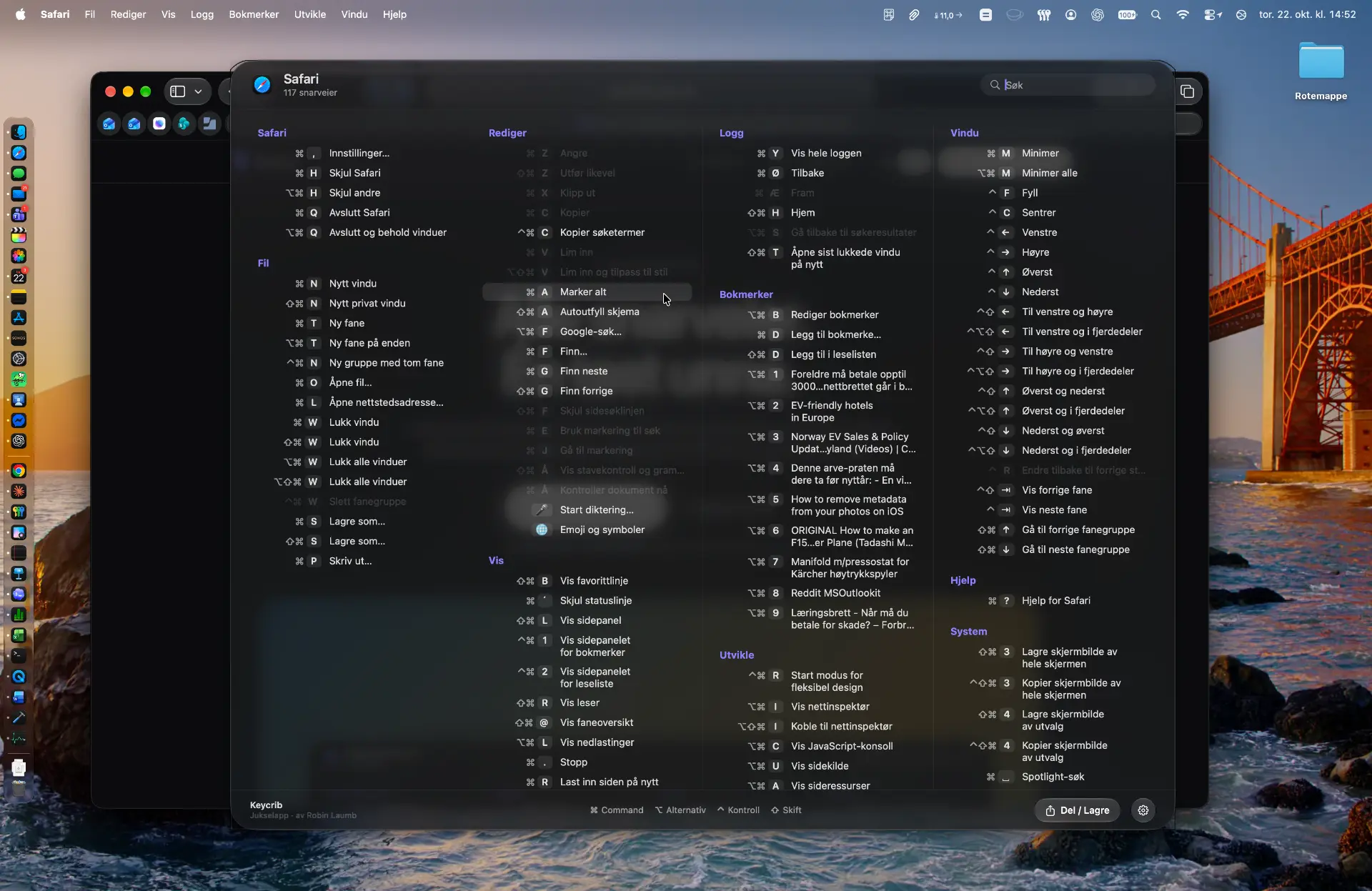
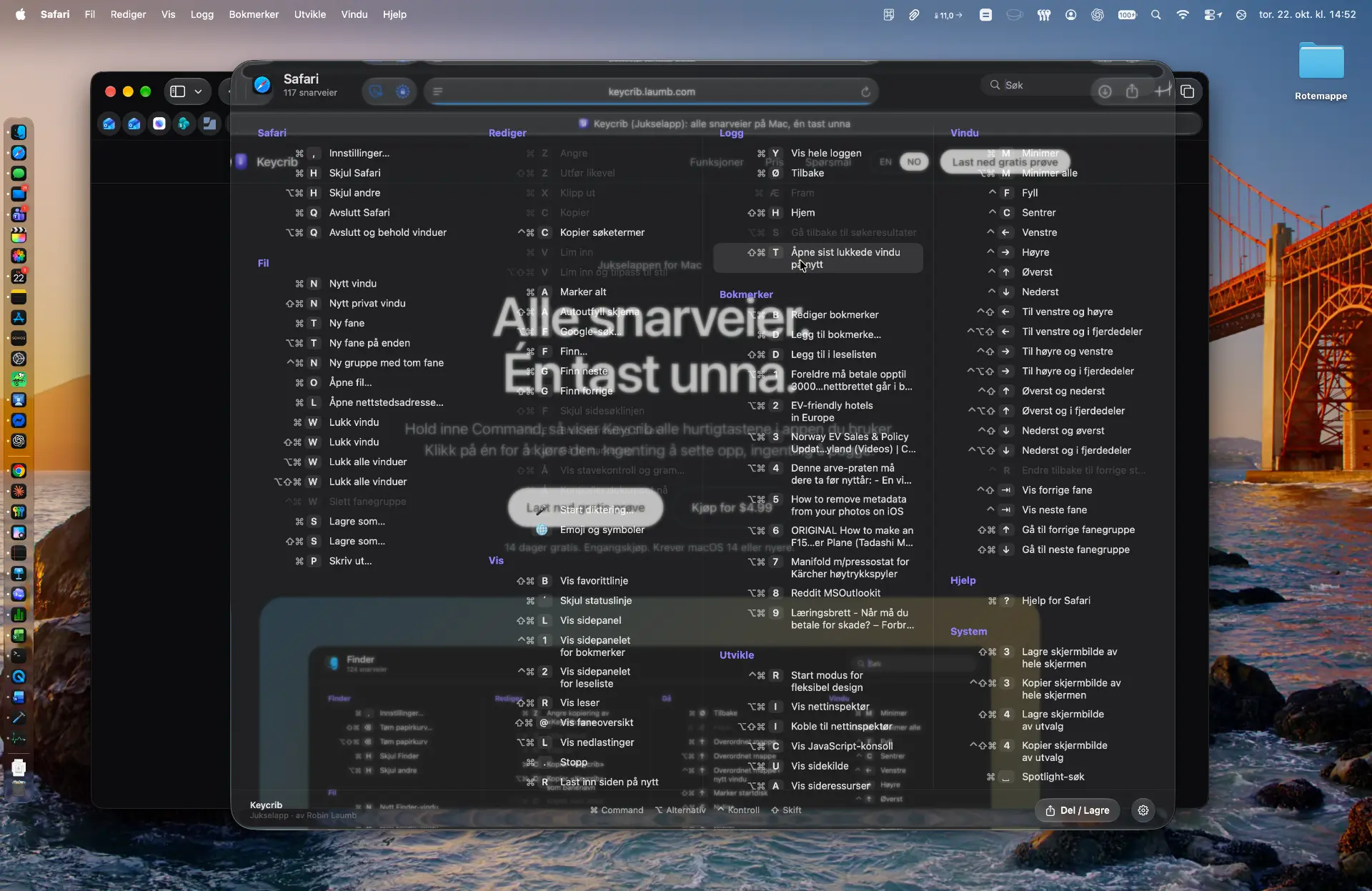
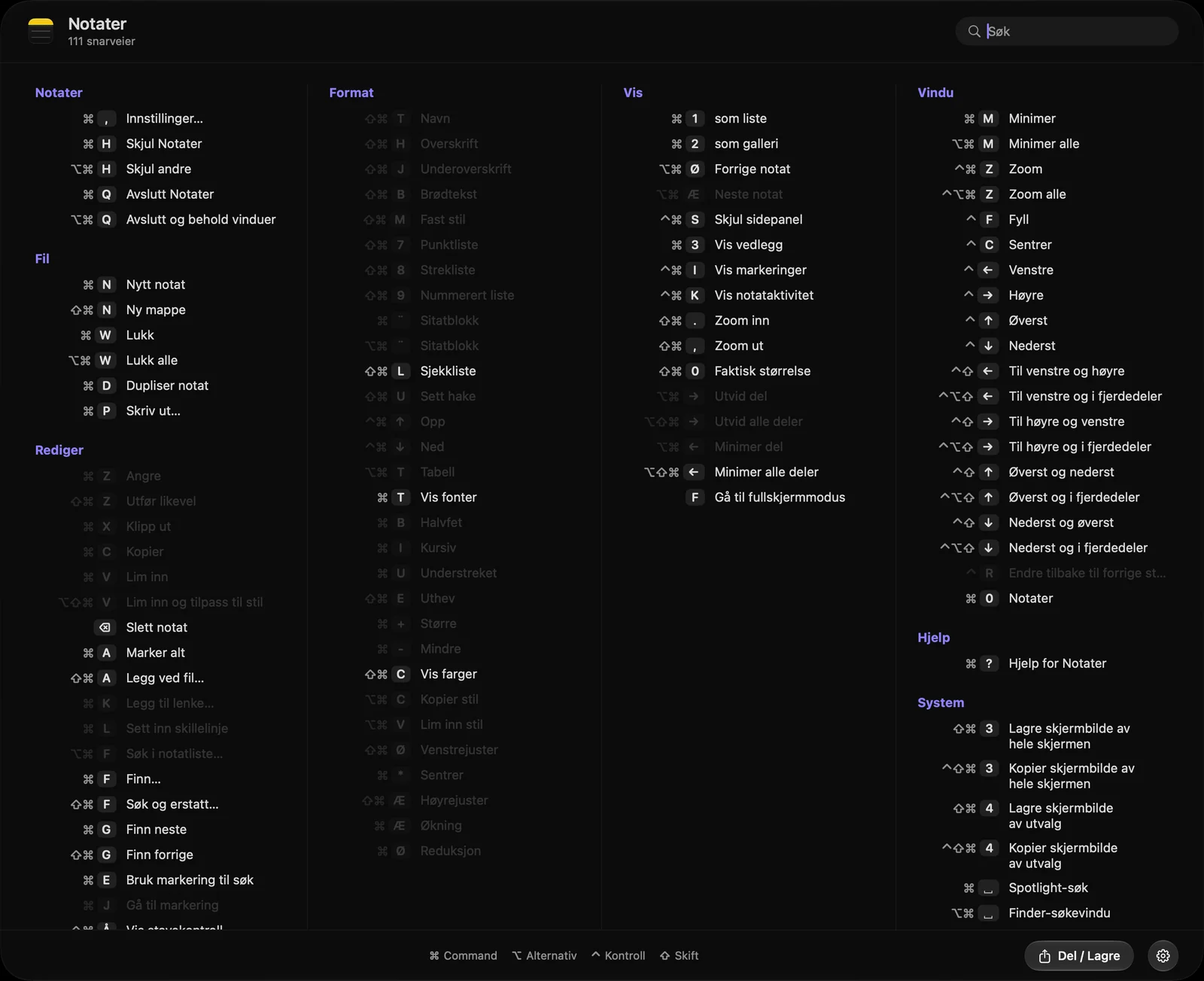
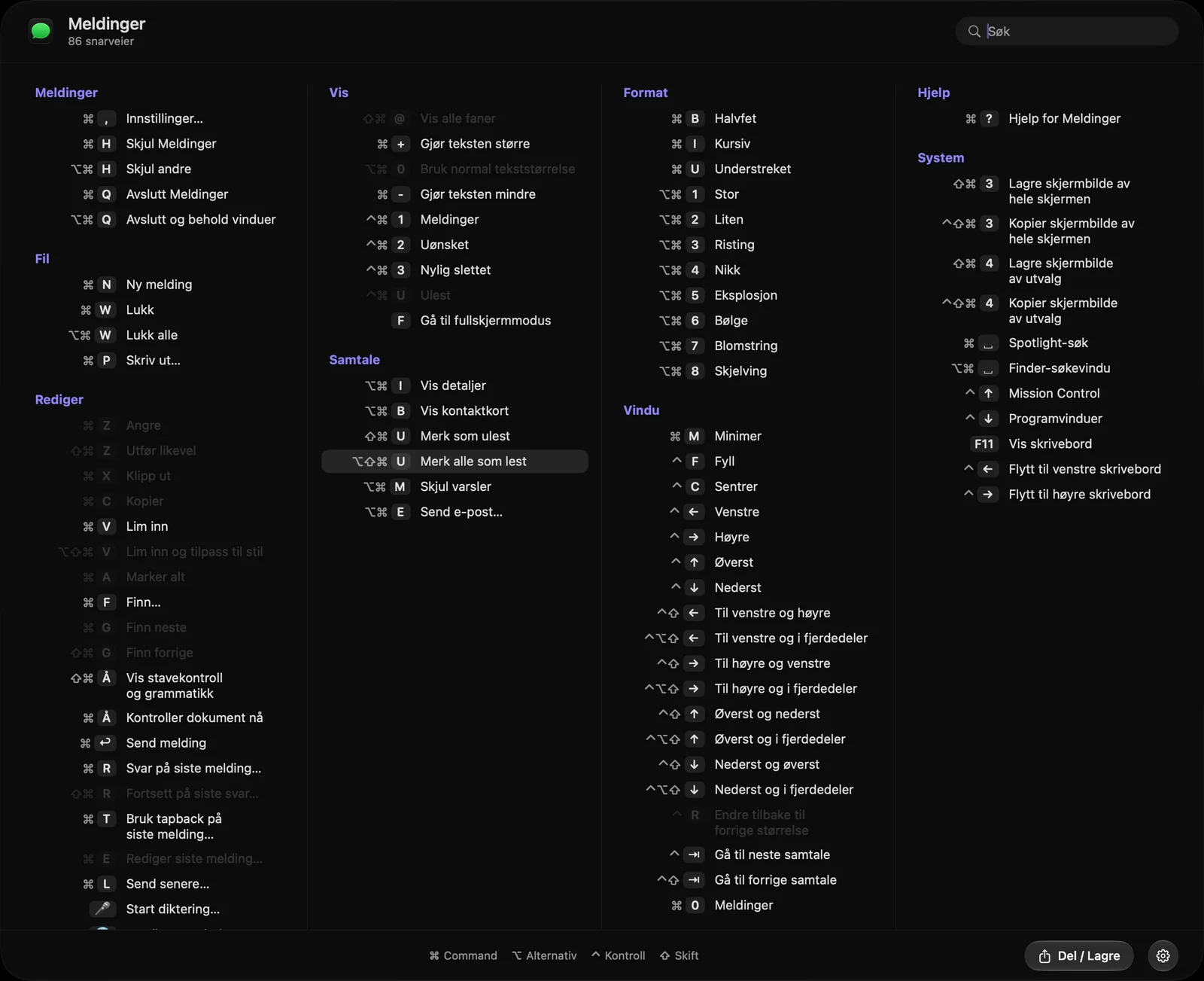
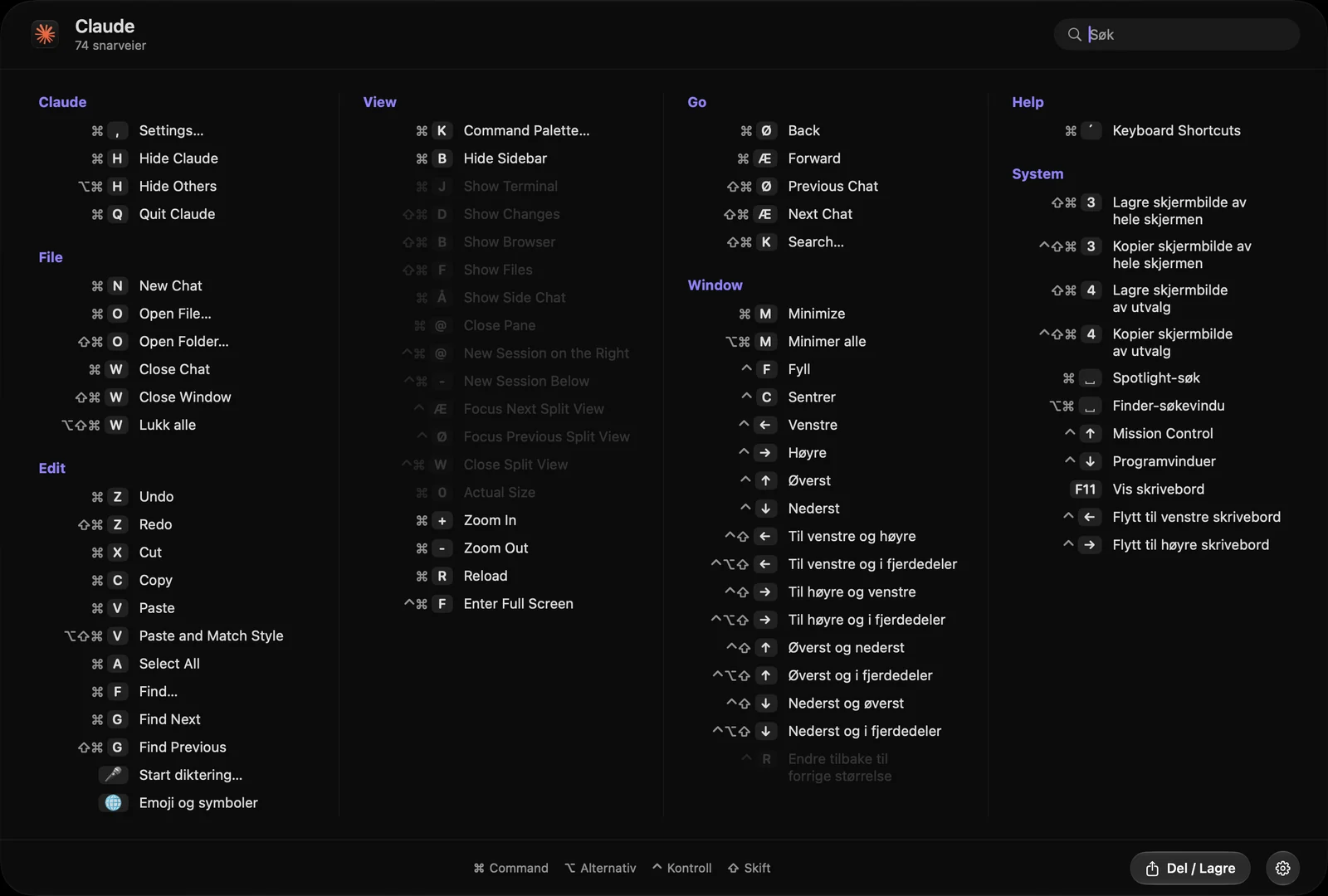
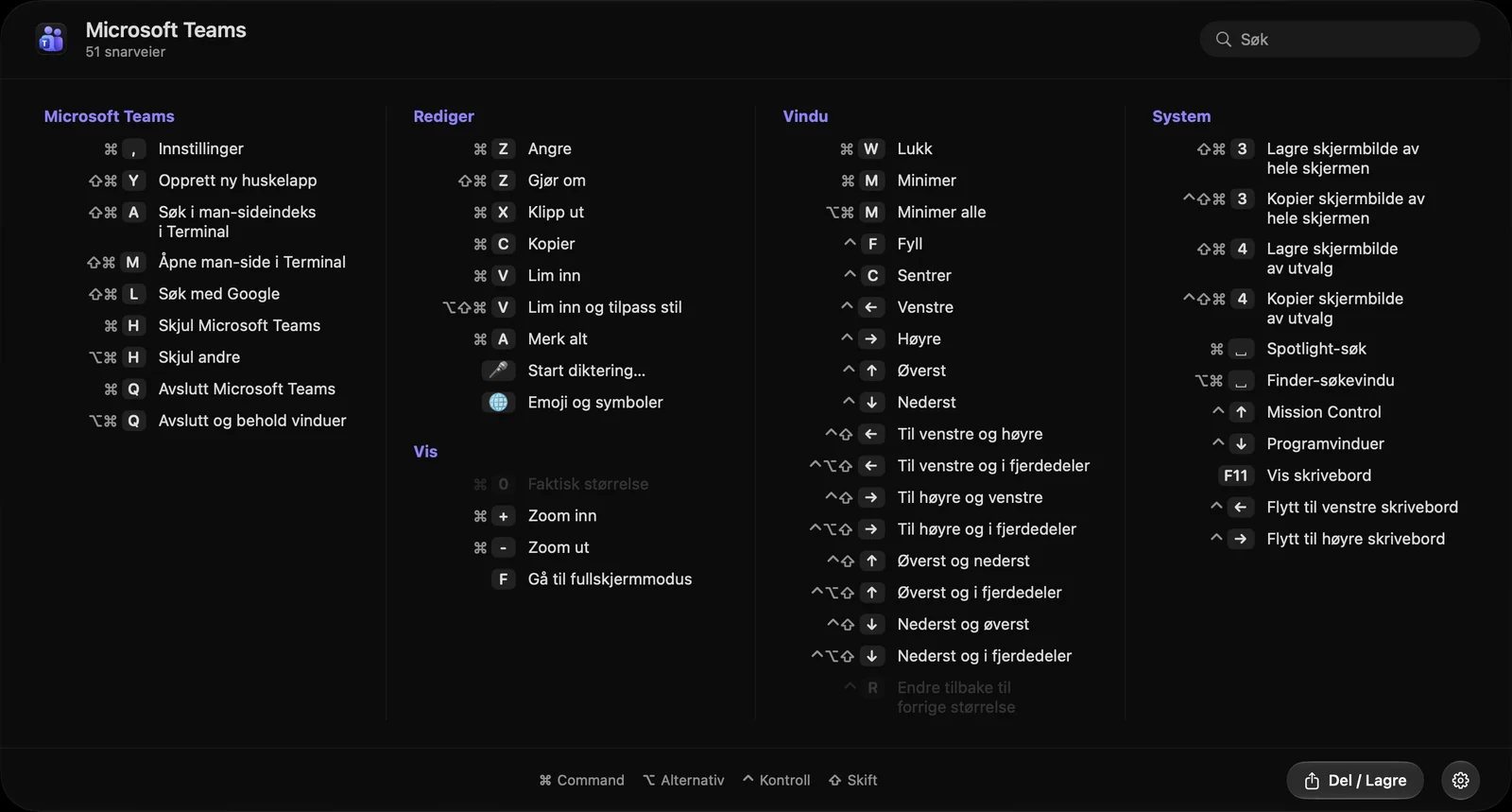
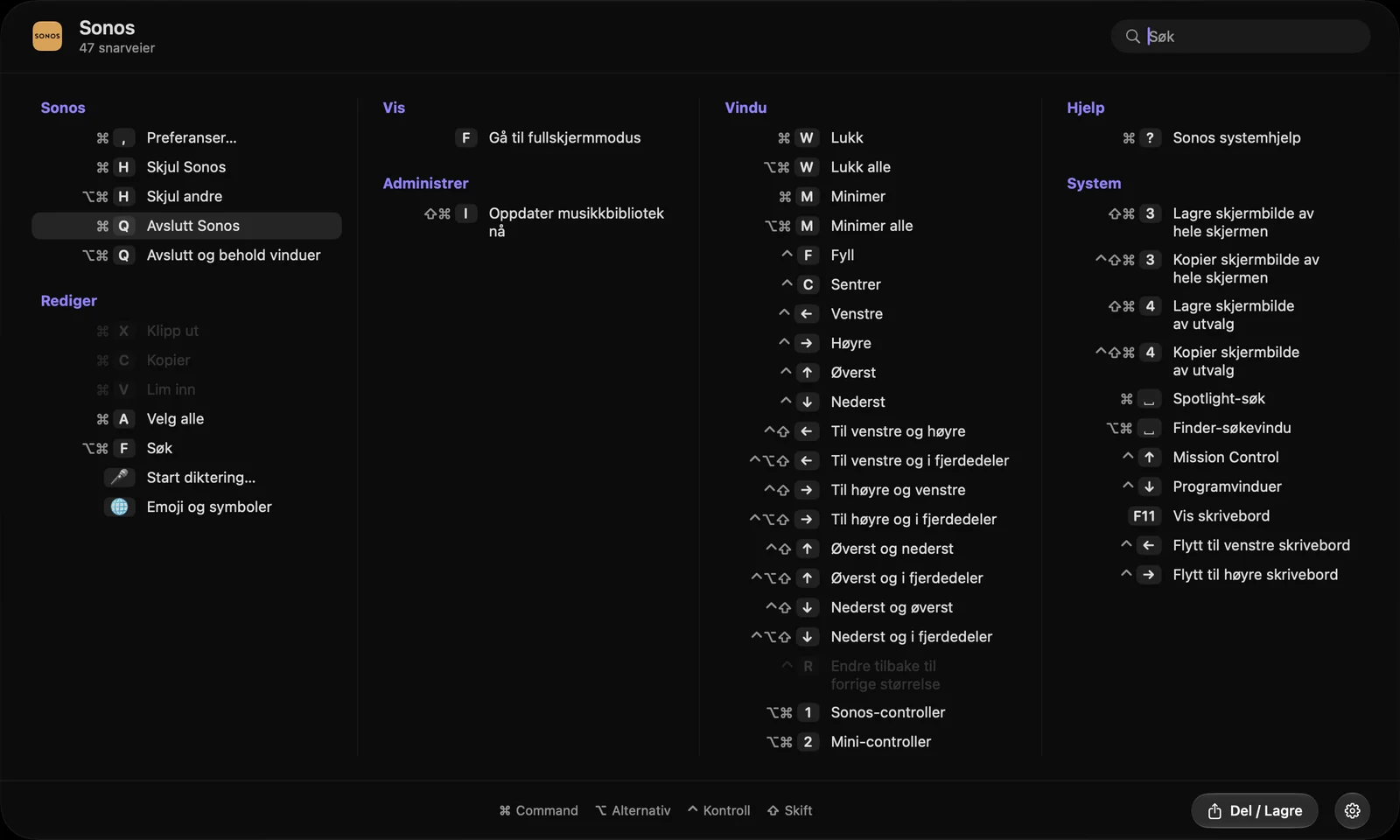
Hold Command and Keycrib shows every keyboard shortcut of the app you are in. Click one to run it. Nothing to set up, nothing to memorize.
14 days free. One-time purchase. Requires macOS 14 or later.
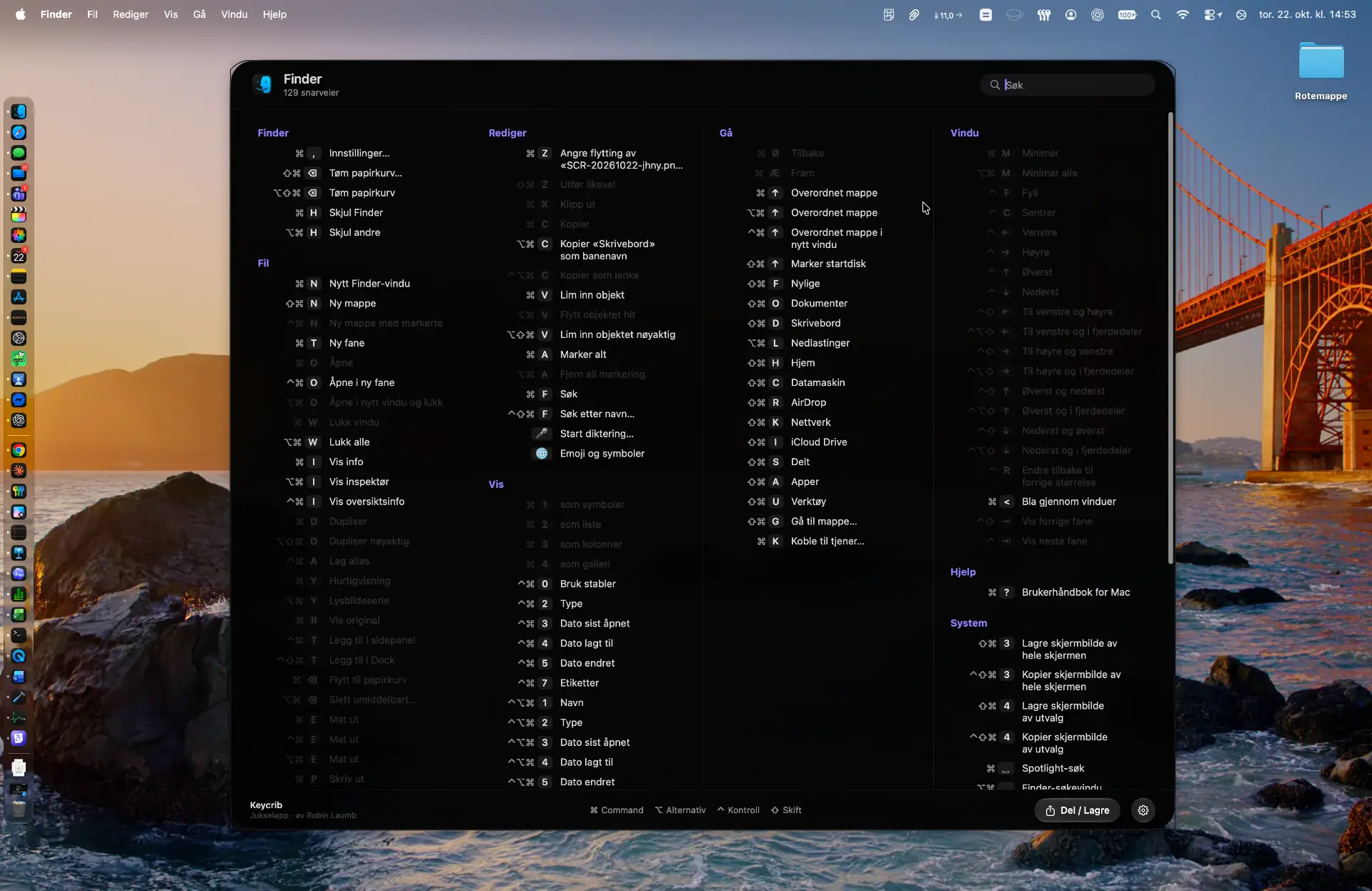
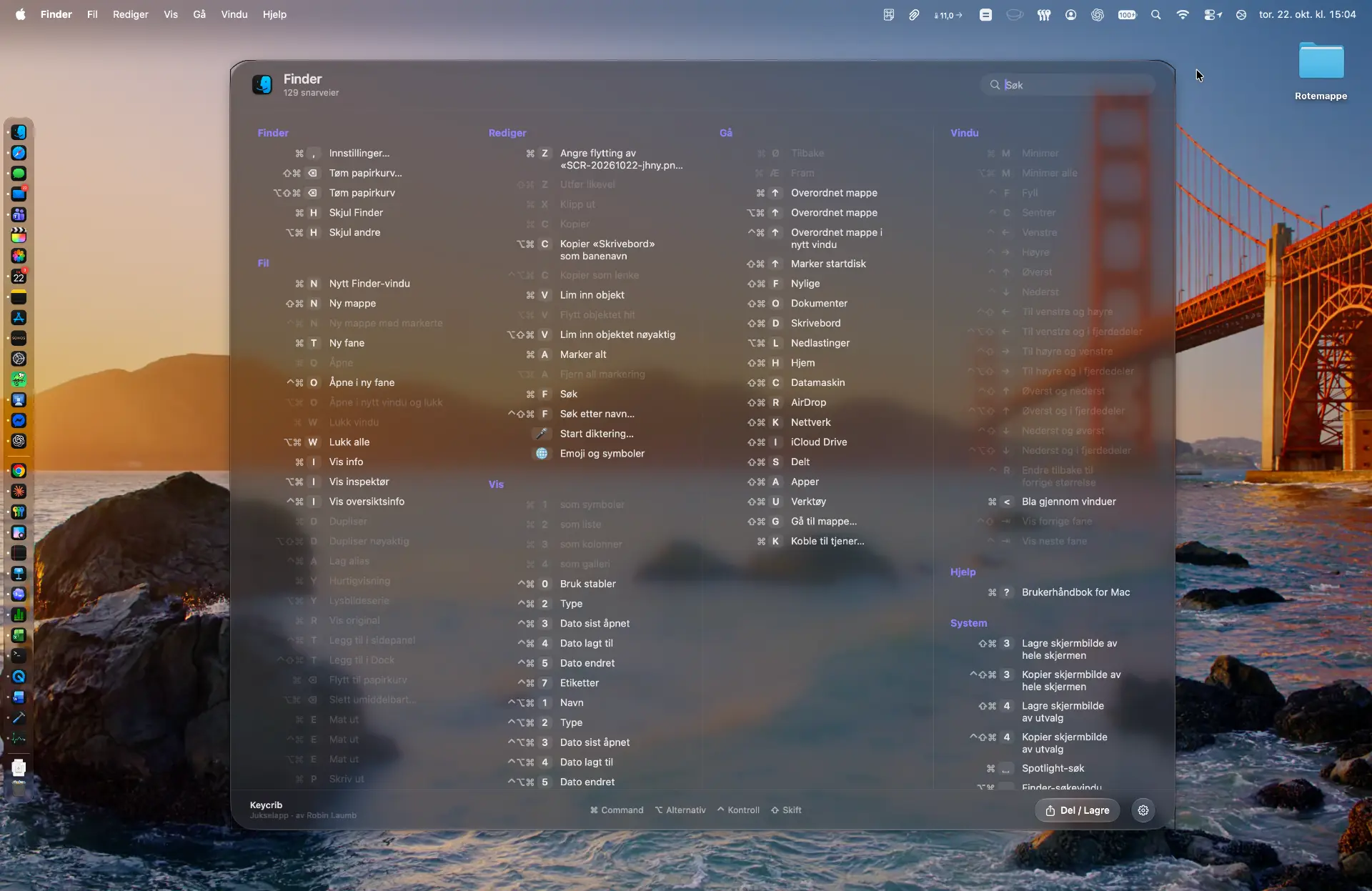
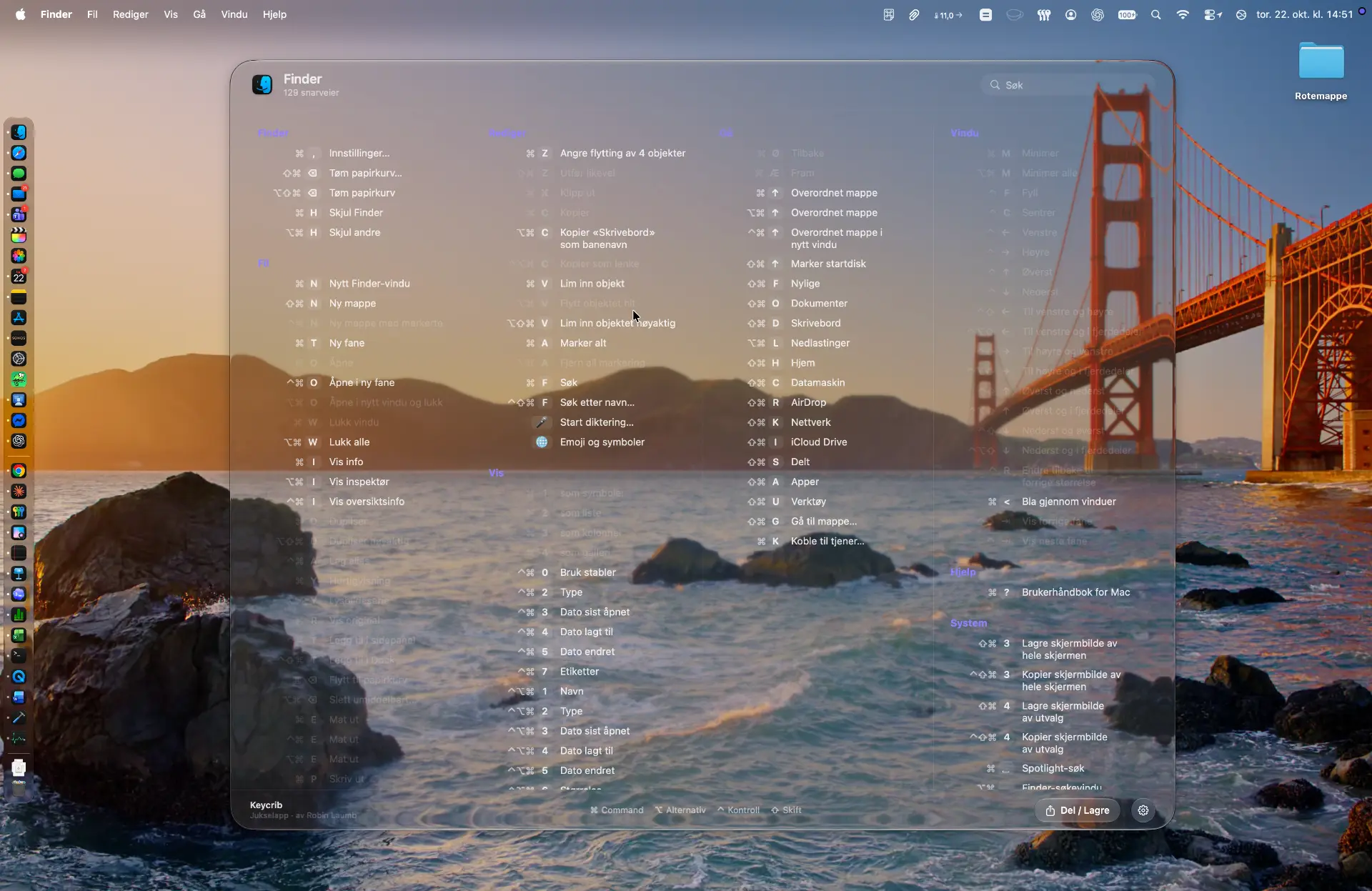
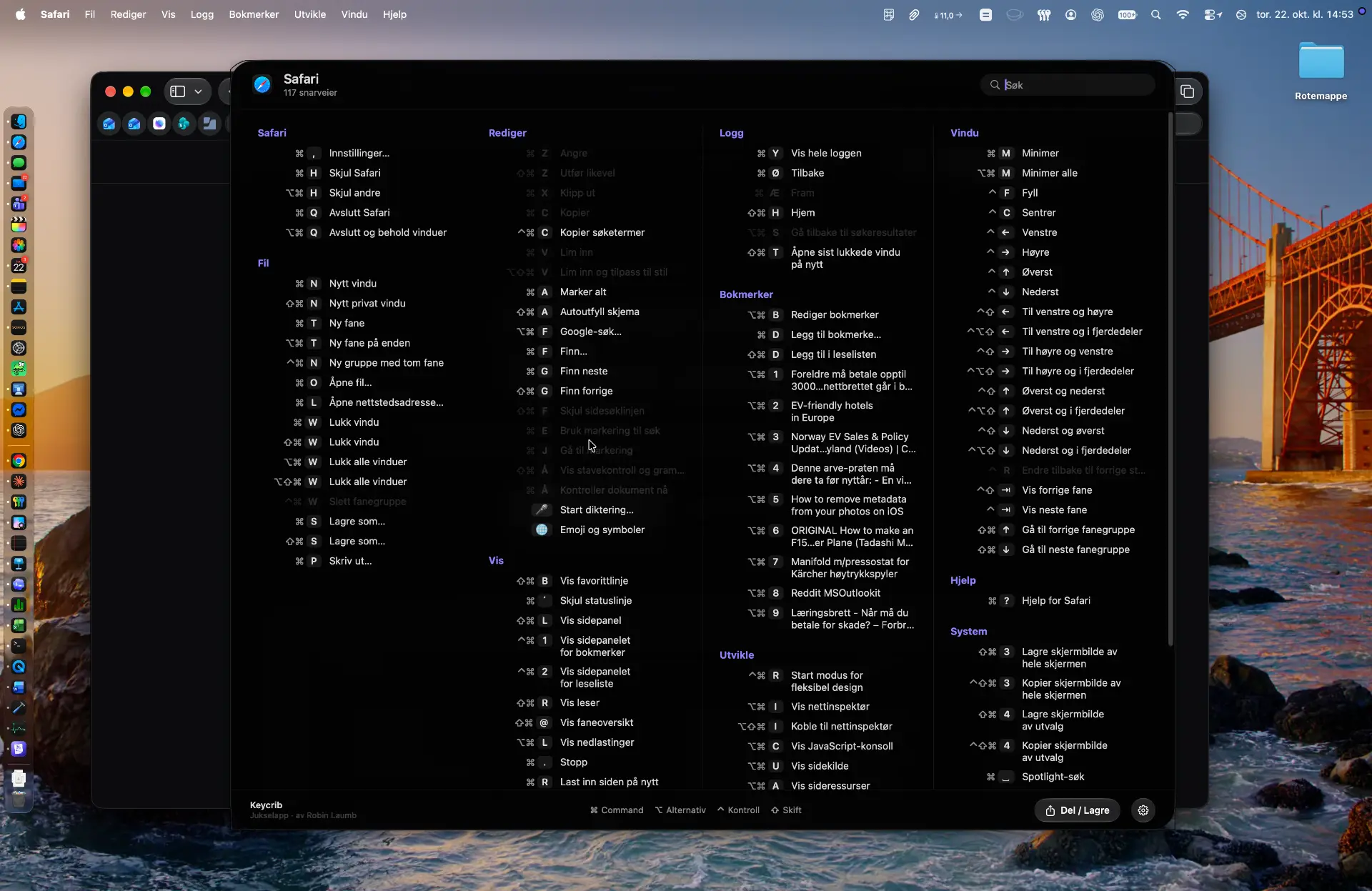
Always accurate
Reads shortcuts straight from the app's menus. No outdated lists.
Private by design
Keycrib never reads or stores what you type, and has no analytics. Everything happens on your Mac.
Made for macOS
Native, light on memory, with Liquid Glass on macOS 26 and later.
Everything you need. Nothing you don't.
Hold Command. That is it.
Choose how long you hold, from short to long. Close on release, or keep it open and tap Command again to close.
Click to run.
Every shortcut in the list is clickable and runs right in your app.
Search and categories.
Shortcuts are grouped like the app's own menus. Type to find one instantly.
Print, share, save as PDF.
Export a clean landscape A4 cheat sheet, print it, or share it.
Looks the way you want.
Liquid Glass with an adjustable amount of glass, frosted, or solid. Light, dark or system. Three text sizes.
Speaks your language.
34 languages, including right-to-left. Menus, search and the PDF all follow your choice.
Works in your apps
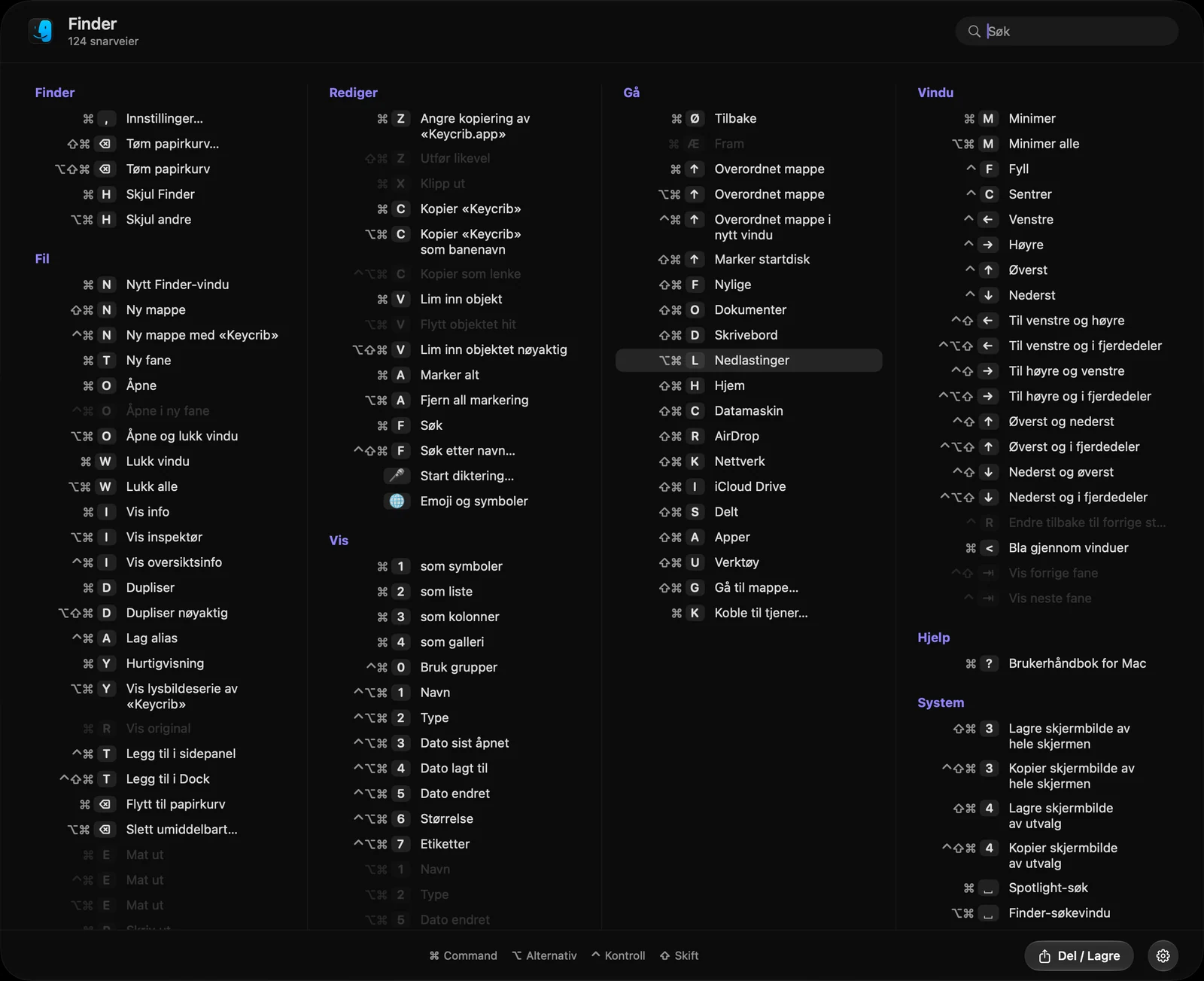
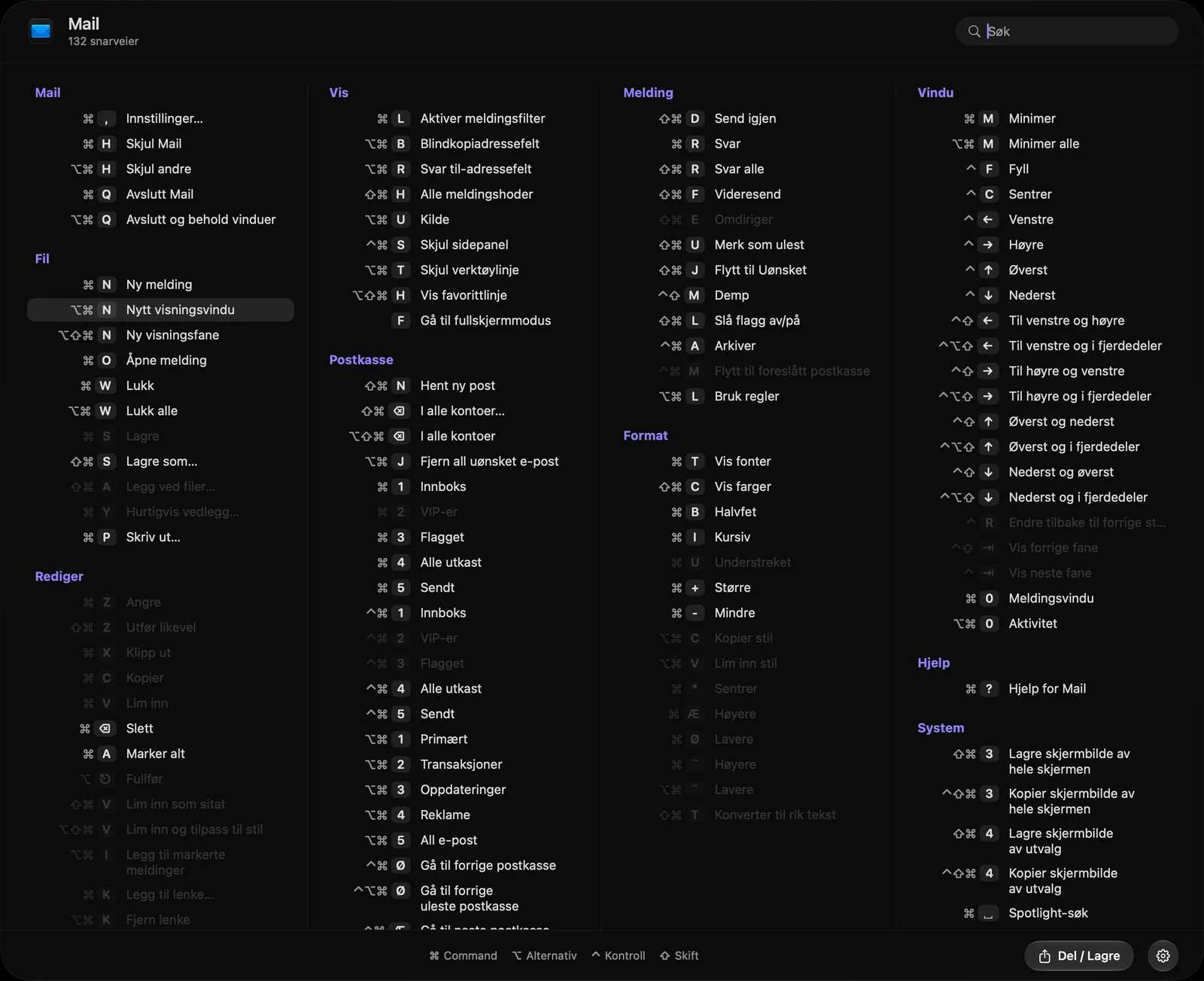
Keycrib reads the shortcut list straight from the app you are in, using the menu data macOS apps already expose. Any command an app puts in its menus can be shown and run, which covers almost every app you use. A rare app that keeps its commands outside its menus is the exception.
How it works
- 01
Install and allow Accessibility
macOS requires this so Keycrib can read other apps' menus. Nothing leaves your Mac.
- 02
Hold Command in any app
The panel appears with every shortcut, grouped by menu.
- 03
Find it, click it, done
Search or browse, then click to run the shortcut.
Speaks 34 languages
Pick yours in Settings, or let Keycrib follow macOS. Right-to-left languages like Arabic and Hebrew flip the whole layout.
- English
- Norsk
- Svenska
- Dansk
- Suomi
- Nederlands
- Deutsch
- Français
- Español
- Italiano
- Português (Brasil)
- Português (Portugal)
- Català
- Polski
- Čeština
- Slovenčina
- Magyar
- Română
- Hrvatski
- Ελληνικά
- Русский
- Українська
- Türkçe
- العربية
- עברית
- हिन्दी
- ไทย
- Tiếng Việt
- Bahasa Indonesia
- Bahasa Melayu
- 日本語
- 한국어
- 简体中文
- 繁體中文
Why the name Keycrib?
A crib sheet is the small note you bring to an exam to remember what you cannot. Keycrib is exactly that for your keyboard: a crib sheet for keys, ready the moment you hold Command.
In Norwegian the same thing is called a jukselapp, which is where the idea started. The Mac has thousands of shortcuts. Nobody remembers them all, and nobody should have to.
Simple pricing
$4.99
One time. Pay once, use forever.
- ✓Free for 14 days, no account or card needed
- ✓Lifetime license for all 1.x updates
- ✓Use on up to 5 of your own Macs
- ✓Activate once online, then it works offline
Payments are handled by Creem, our Merchant of Record. Taxes are calculated at checkout.
After the trial, Keycrib stays usable in a limited mode: it shows an Unregistered watermark, and you cannot run shortcuts or save PDFs.
Teams and organizations
Need 5 or more licenses?
Tell us how many Macs you have and we will send a price. You get one team key that you can activate on all of them.
- ✓Volume pricing for 5 or more Macs
- ✓One key for the whole team
- ✓See how many seats are in use, and free a seat any time
- ✓Buy more seats later on the same terms
Questions and answers
Does Keycrib collect data?+
No. There is no analytics and no tracking. Keycrib only goes online to activate and check your license, and to look for updates (you can turn that off). Neither sends anything about what you do on your Mac.
Does Keycrib monitor what I type?+
No. Keycrib never records, reads or stores your keystrokes or the text you write, and nothing like that is ever sent anywhere. It only notices whether the Command key is being held, so it knows when to show the panel, and it reads the menus of the app you are in to list their shortcuts.
Why does it need Accessibility access?+
That is how macOS lets an app read another app's menus. Keycrib uses it only to list and run shortcuts.
What happens after the 14 day trial?+
Keycrib keeps working in a limited mode with an Unregistered watermark. You cannot run shortcuts or export PDFs until you add a license.
How many Macs can I use?+
One personal license can be active on up to 5 of your own Macs. You can free up a spot by deactivating a Mac in Settings, or on the Manage devices page (keycrib.no/devices) if the Mac is gone. Please do not share your key. Need 5 or more licenses for a team? Write to appsupport@laumb.com and we will send a price and a team key.
Does the license cover future versions?+
Yes, for all 1.x versions. A future major version (2.0) may be a paid upgrade. Your 1.x version will keep working.
What if I am offline or the server is down?+
Keycrib keeps working. It needs the internet to activate your license the first time and to check it now and then. If it cannot reach the server it simply carries on. If you enter a valid key while offline, you get one extra 14 day trial period until Keycrib can go online and finish the activation.
Does Keycrib update itself?+
Keycrib tells you when a new version is available, with a short list of what changed, and you choose when to download and install it. You can turn the check off in Settings. Changes that affect your license are never made without clear notice.
Can I get a refund?+
Yes, within 14 days of purchase, no questions asked. Write to appsupport@laumb.com.
Which macOS versions?+
macOS 14 Sonoma or later. Liquid Glass appears on macOS 26 and later; older versions get a frosted look.
Is it on the Mac App Store?+
No. Keycrib reads other apps' menus, which the App Store sandbox does not allow. It is notarized by Apple and downloaded directly from here.